
In This Article
The Hidden Layer That Makes Everything Work
Rolling out a major CRM update is one of the highest-risk, highest-reward activities in RevOps. Get it right, and you accelerate pipeline velocity. Get it wrong, and you create months of adoption friction and data chaos.
We've spent this week discussing the components of modern financial services technology: legacy system migration, Salesforce Financial Services Cloud for the client 360, HubSpot for marketing automation. Each powerful on its own.
But here's what separates organizations that achieve digital transformation from those that just buy software: the integration layer.
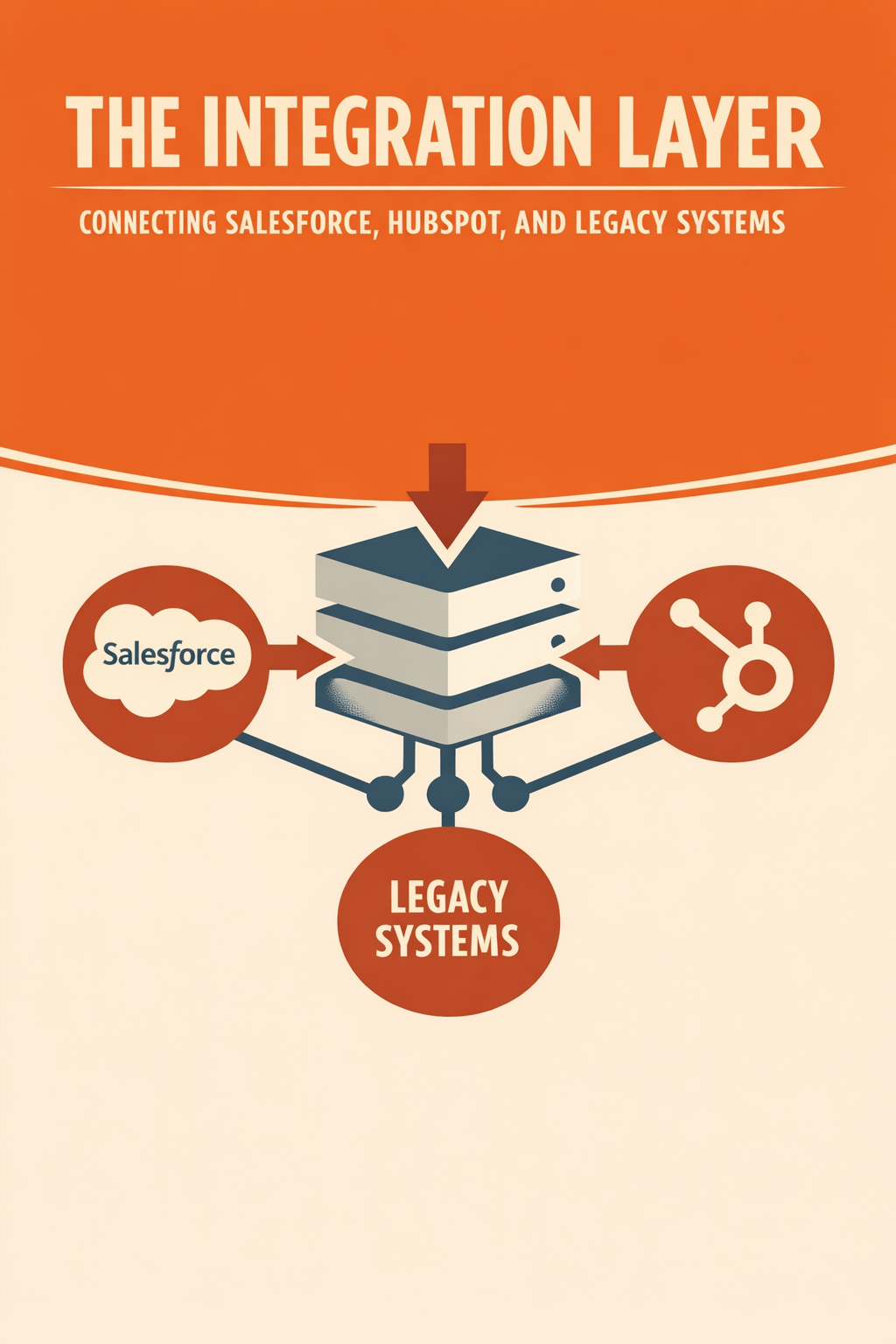
Without effective integration, you don't have a unified platform—you have expensive islands. Your CRM knows things your marketing platform doesn't. Your marketing platform triggers actions your core systems can't see. Your core systems hold data your client-facing teams can't access.
The integration layer is the connective tissue that transforms separate systems into a coherent ecosystem.
Understanding Integration Architecture
Modern integration has evolved significantly from the point-to-point connections of previous decades. Today's approaches use architectural patterns designed for flexibility, reliability, and scale.
API-First Design
Modern systems expose their functionality through well-documented APIs (Application Programming Interfaces). This standardized approach to integration offers several advantages:
- Consistency: Standard protocols mean predictable behavior across systems
- Flexibility: New integrations can be added without modifying existing connections
- Security: Authentication and authorization happen at defined boundaries
- Maintainability: Changes to one system don't cascade unpredictably to others
When evaluating any new system, API capabilities should be a primary selection criterion. Systems without robust APIs become integration bottlenecks.
Event-Driven Architecture
Rather than periodic batch synchronization, event-driven architecture enables real-time data flow:
- Events trigger immediately: When something happens in one system, other systems learn instantly
- Scale flexibly: Handle high volumes during busy periods without overwhelming any single system
- Decouple systems: Changes to one system don't require changes to others
- Enable complex workflows: Multi-step processes can span systems seamlessly
For financial services, where timely information can mean the difference between a satisfied client and a lost opportunity, event-driven patterns are increasingly essential.
iPaaS Solutions
Integration Platform as a Service (iPaaS) solutions have democratized integration capabilities that once required specialized development teams:
Pre-Built Connectors: Major systems like Salesforce, HubSpot, Microsoft Dynamics, and popular financial services platforms have pre-built connectors. Configuration replaces custom code.
Visual Design: Drag-and-drop interfaces enable business analysts to design integration flows. Development skills remain valuable but aren't required for every integration.
Built-In Reliability: Error handling, retry logic, logging, and monitoring come standard. You don't have to build infrastructure that every integration needs.
Compliance Features: Data encryption, access controls, and audit logging address regulatory requirements without custom development.
Common Integration Patterns for Financial Services
Salesforce ↔ Core Banking
The connection between your CRM and core banking system is typically the highest-value integration.
Data Flow: Core → Salesforce
- Account and product holdings
- Balance and position information
- Transaction history
- Account status and alerts
Data Flow: Salesforce → Core
- Lead and opportunity information (for fulfillment)
- Service case records (for context)
- Client preferences and instructions
Sync Considerations
- Real-time for client-facing data (balances, recent transactions)
- Batch for reference data (product catalogs, fee schedules)
- Event-driven for status changes (new account opened, alert triggered)
HubSpot ↔ Salesforce
Marketing and sales alignment requires bidirectional data flow.
Data Flow: HubSpot → Salesforce
- Marketing-qualified leads
- Campaign engagement history
- Website and email behavior
- Event registration and attendance
Data Flow: Salesforce → HubSpot
- Contact and account updates
- Opportunity stage changes
- Client lifecycle status
- Suppression and compliance flags
Sync Considerations
- Near-real-time for lead and opportunity data
- Daily batch for broader contact synchronization
- Trigger-based for compliance and suppression updates
Marketing ↔ Core Systems
Connecting marketing automation to core operations enables lifecycle-based personalization.
Data Flow: Core → Marketing
- Product holdings (for relevant messaging)
- Account activity (for engagement timing)
- Lifecycle events (for triggered campaigns)
- Risk indicators (for message appropriateness)
Sync Considerations
- Balance real-time needs against API load
- Volumes are manageable (individual events, not bulk operations)
- Latency tolerance is low (seconds matter)
Real-Time vs. Batch Integration
Use Real-Time When:
- Data changes frequently (account balances, transaction records)
- Downstream systems need immediate updates (client-facing applications)
- Volumes are manageable (individual events, not bulk operations)
- Latency tolerance is low (seconds matter)
Use Batch When:
- Data changes infrequently (reference data, configurations)
- Volumes are high (millions of records to synchronize)
- Exact timing doesn't matter (overnight reconciliation is acceptable)
- Cost optimization is priority (batch is typically cheaper than real-time)
Hybrid Approaches
Most organizations need both. Design your integration architecture to support:
- Real-time event handling for time-sensitive data
- Scheduled batch processing for bulk synchronization
- On-demand reconciliation for exception handling
Data Transformation and Quality
Integration isn't just about moving data—it's about making data useful across systems.
Field Mapping
Different systems store data differently. Integration must translate:
- Client names ("Robert Smith" vs. "Smith, Robert" vs. "Bob Smith")
- Account numbers (with and without check digits, various formats)
- Status codes (each system has its own)
- Date formats (MM/DD/YYYY vs. YYYY-MM-DD vs. epoch timestamps)
Data Enrichment
Integration can add value by combining data from multiple sources:
- Append demographic data to core records
- Calculate metrics that no single system tracks
- Derive status from multiple source indicators
Quality Enforcement
Integration layers should enforce data quality rules:
- Reject records missing required fields
- Standardize formats (phone numbers, addresses)
- Flag duplicates for resolution
- Alert on anomalies (sudden changes, impossible values)
Security and Compliance Considerations
Financial services integration faces heightened security requirements.
Data in Transit
- Encrypt all data movement (TLS 1.3 minimum)
- Authenticate both endpoints of every connection
- Log all data transfers for audit purposes
Data at Rest
- Integration platforms may cache data temporarily
- Ensure cache encryption and appropriate retention
- Understand where data may land geographically
Access Control
- Principle of least privilege for integration accounts
- Separate credentials for each integration
- Regular credential rotation
Audit Requirements
- Maintain complete logs of what data moved when
- Enable reconstruction of any point-in-time state
- Support regulatory inquiries with comprehensive records
Error Handling and Monitoring
Integration failure is inevitable. Design for resilience.
Error Categories
Transient Errors: Network blips, temporary service unavailability
- Solution: Automatic retry with exponential backoff
Data Errors: Invalid values, failed validations
- Solution: Dead-letter queues, alerting, manual remediation workflows
Systematic Errors: Changed APIs, credential expiration
- Solution: Comprehensive monitoring, proactive maintenance
Monitoring Essentials
- Real-time dashboards showing integration health
- Alerting on error rates and latency
- Historical trends for capacity planning
- End-to-end transaction tracing
Recovery Procedures
- Documented playbooks for common failure scenarios
- Tested rollback procedures
- Clear escalation paths
Building vs. Buying Integration Capability
The build vs. buy decision depends on your organization's context.
Build When:
- Integration requirements are highly specialized
- You have skilled integration development resources
- Long-term total cost of ownership favors custom development
- You need complete control over the technology stack
Buy (iPaaS) When:
- Standard integration patterns meet most needs
- Speed to implementation is priority
- You want to minimize technical maintenance burden
- Compliance features are important (and expensive to build)
Hybrid Approaches
Many organizations use iPaaS for standard integrations while maintaining custom development capability for specialized requirements.
Ready to Transform Your Integration Strategy?
Struggling with integration complexity? Vantage Point helps financial services firms design and implement integration architectures that actually work. Connect with our team to discuss your integration challenges.
About Vantage Point
Vantage Point specializes in helping financial institutions design and implement client experience transformation programs using Salesforce Financial Services Cloud. Our team combines deep Salesforce expertise with financial services industry knowledge to deliver measurable improvements in client satisfaction, operational efficiency, and business results.
About the Author
David Cockrum is the founder of Vantage Point and a former COO in the financial services industry. Having navigated complex CRM transformations from both operational and technology perspectives, David brings unique insights into the decision-making, stakeholder management, and execution challenges that financial services firms face during migration.
-
-
- Email: [email protected]
- Phone: (469) 652-7923
- Website: vantagepoint.io
-
About Tierney Burklow
Expert consultant at Vantage Point, specializing in CRM implementations and digital transformation for financial services.