
In This Article
Unlock the full potential of your credit union's marketing strategy with HubSpot's innovative tools and features.
The Complete Guide to Auditing Your HubSpot CRM for Better Performance
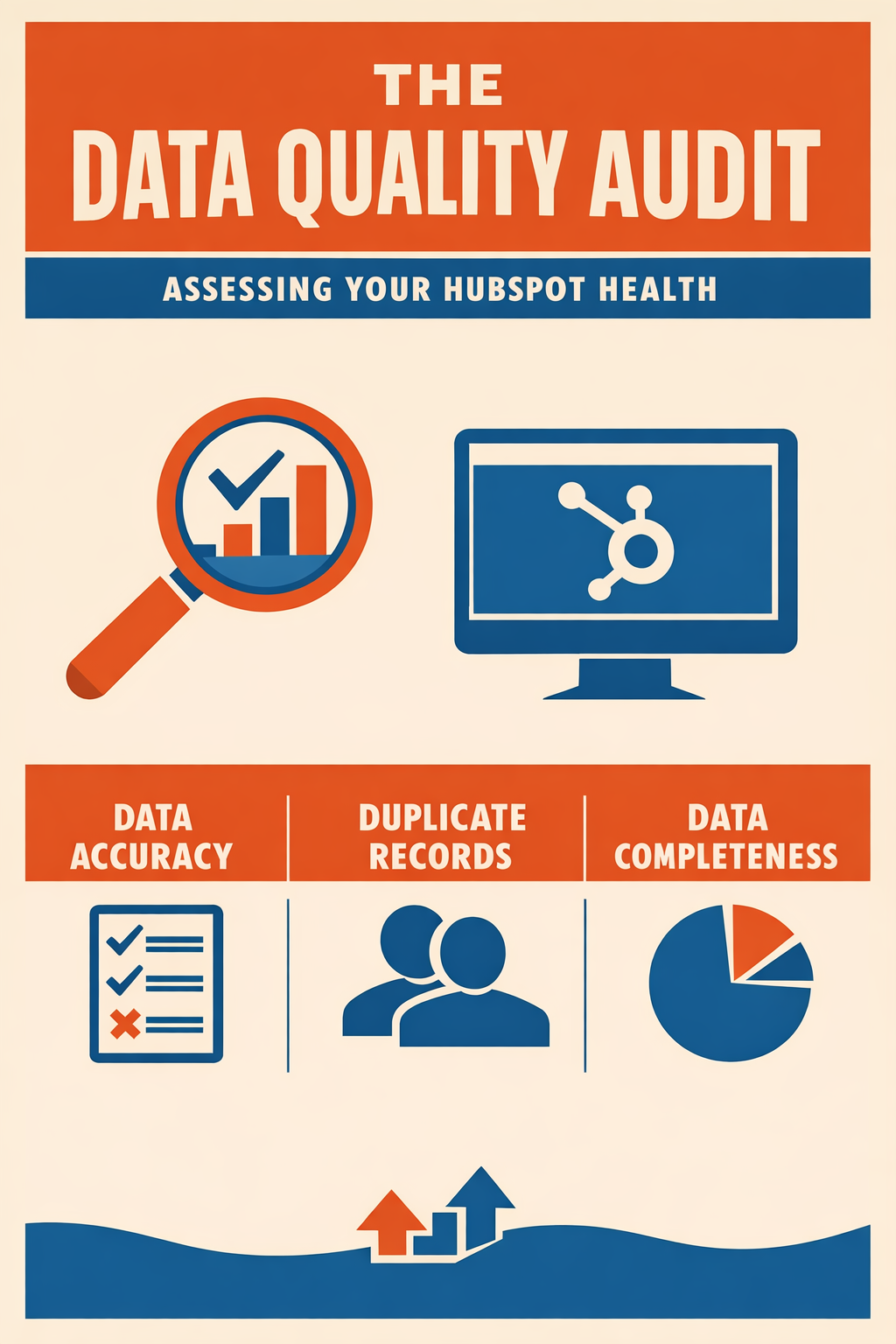
Before you can fix data quality problems, you need to know where they are. Today's guide walks you through a comprehensive audit of your HubSpot CRM—creating the baseline metrics that will measure your progress toward AI readiness.
Why Conduct a Data Quality Audit?
A data quality audit isn't just about finding problems—it's about understanding your data's current state so you can:
- Prioritize efforts – Focus on high-impact issues first
- Measure progress – Track improvement over time
- Justify investment – Demonstrate ROI of data quality initiatives
- Enable AI – Understand readiness for AI feature adoption
The Bottom Line: You can't manage what you don't measure. This audit creates your data quality baseline.
What Should a Data Quality Audit Include?
The Five Dimensions of Data Quality
Your audit should evaluate data across five dimensions:
| Dimension | Definition | Key Questions |
|---|---|---|
| Accuracy | Data correctly represents reality | Are email addresses valid? Are names spelled correctly? |
| Completeness | Required data is present | What percentage of contacts have phone numbers? |
| Consistency | Data follows standard formats | Are all states formatted the same way? |
| Uniqueness | No duplicate records exist | How many duplicate contacts do we have? |
| Timeliness | Data is current and up-to-date | When was this record last updated? |
How to Conduct a HubSpot Data Quality Audit
Phase 1: Dashboard Review (15 minutes)
Step 1: Access the Data Quality Dashboard
- Navigate to Data Management > Data Quality
- Set date range to Last 90 days for initial review
- Note the summary metrics:
- Total duplicate issues
- Total formatting issues
- Property insights summary
Step 2: Document Your Current State
Create a simple tracking document with these baseline metrics:
DATA QUALITY AUDIT - [DATE]============================DUPLICATES- Contact duplicates detected: ____- Company duplicates detected: ____FORMATTING ISSUES- Total formatting issues: ____- Top issue type: ____PROPERTY HEALTH- Total active properties: ____- Properties with issues: ____- Unused properties: ____Phase 2: Duplicate Analysis (30 minutes)
Step 1: Review Duplicate Volume
- Click the Manage Duplicates tab
- Note total Contact duplicates
- Note total Company duplicates
- Calculate duplicate percentage: Duplicate % = (Duplicates / Total Records) × 100
- Target: Less than 2%
Step 2: Analyze Duplicate Patterns
Review a sample of 20-30 duplicates to identify patterns:
- Are duplicates from specific sources (forms, imports, integrations)?
- Are duplicates caused by name variations or email variations?
- Are there systematic issues (e.g., every integration import creates duplicates)?
Document findings:
DUPLICATE PATTERNS- Primary cause: ____- Secondary cause: ____- Integration-related: Yes/No- Preventable going forward: Yes/NoStep 3: Assess Merge Complexity
For financial services, some duplicates are complex:
- Household members with same last name and address (not duplicates)
- Business contacts at same company (not duplicates)
- Former employees now at different companies (may be duplicates)
Identify how many duplicates require manual review vs. can be auto-merged.
Phase 3: Formatting Issues Analysis (30 minutes)
Step 1: Review Formatting Issues by Object
- Click the Formatting Issues tab
- Review Contact issues
- Review Company issues
- Review Deal issues (if applicable)
Step 2: Categorize Issue Types
Common formatting issues for financial services:
| Property | Common Issue | Impact |
|---|---|---|
| First Name | Capitalization (JOHN vs. John) | Personalization looks unprofessional |
| Phone | Format variations | Automation triggers fail |
| State | Abbreviation inconsistency | Geographic segmentation breaks |
| Uppercase characters | Deliverability issues | |
| Company Name | Legal suffixes (Inc, LLC) | Matching and deduplication fails |
Document findings:
TOP FORMATTING ISSUES1. Property: ____ | Count: ____ | Auto-fixable: Yes/No2. Property: ____ | Count: ____ | Auto-fixable: Yes/No3. Property: ____ | Count: ____ | Auto-fixable: Yes/NoPhase 4: Completeness Analysis (45 minutes)
Step 1: Identify Critical Properties
For financial services, these properties are typically critical:
Contact Properties:
- Email (required for marketing)
- Phone (required for sales)
- First Name, Last Name (personalization)
- Company (account association)
- Job Title (segmentation)
- Lifecycle Stage (funnel management)
Company Properties:
- Company Name
- Industry
- Annual Revenue / AUM
- Number of Employees
- Website
Step 2: Check Fill Rates
For each critical property:
- Navigate to Reports > Reports
- Create a simple report or use existing analytics
- Calculate fill rate: (Records with value / Total records) × 100
Alternative method using lists:
- Create a list with criteria: [Property] is unknown
- Note the count
- Calculate fill rate: ((Total - Unknown) / Total) × 100
Document findings:
PROPERTY FILL RATESContact Properties:- Email: ____%- Phone: ____%- First Name: ____%- Last Name: ____%- Company: ____%- Job Title: ____%Company Properties:- Industry: ____%- Revenue/AUM: ____%- Website: ____%Target fill rates for financial services:
- Email: 95%+
- Phone: 70%+
- Name fields: 98%+
- Company: 80%+
- Job Title: 60%+
Phase 5: Property Insights Review (30 minutes)
Step 1: Review Properties to Review
- Click the Property Insights tab
- Review the Properties to review table
- Sort by issue count (highest first)
Step 2: Identify Property Problems
For each problematic property, determine:
- Is this property needed?
- Is the issue data quality or property configuration?
- Should this property be archived?
Step 3: Identify Unused Properties
Unused properties create confusion and clutter. Review:
- Properties with 0% fill rate
- Properties not used in any forms, workflows, or reports
- Properties created for one-time purposes
Document findings:
PROPERTY HEALTH- Properties needing attention: ____- Candidates for archival: ____- Redundant properties: ____Phase 6: Integration Health Check (30 minutes)
Step 1: List Active Integrations
Document all integrations syncing data to/from HubSpot:
- CRM integrations
- Email integrations
- Form/landing page tools
- Custodian feeds (financial services specific)
- Financial planning software
- Marketing tools
Step 2: Assess Integration Quality
For each integration, evaluate:
| Integration | Sync Direction | Creates Duplicates? | Overwrites Data? | Last Sync |
|---|---|---|---|---|
| [Name] | In/Out/Both | Yes/No | Yes/No | [Date] |
Step 3: Identify Integration Issues
Common integration-related data quality problems:
- Integrations creating duplicate records on every sync
- Integrations overwriting manually cleaned data
- Integrations syncing outdated information
- Missing field mappings causing data loss
How to Score Your Data Quality
The Data Quality Scorecard
Compile your findings into a scorecard:
Duplicate Score (25 points)
- < 1% duplicates: 25 points
- 1-2% duplicates: 20 points
- 2-5% duplicates: 10 points
- > 5% duplicates: 0 points
Formatting Score (25 points)
- < 50 formatting issues: 25 points
- 50-200 issues: 20 points
- 200-500 issues: 10 points
- > 500 issues: 0 points
Completeness Score (25 points)
- Average fill rate > 85%: 25 points
- Fill rate 70-85%: 20 points
- Fill rate 50-70%: 10 points
- Fill rate < 50%: 0 points
Property Health Score (25 points)
- < 5 properties needing attention: 25 points
- 5-15 properties: 20 points
- 15-30 properties: 10 points
- > 30 properties: 0 points
Total Score Interpretation:
- 90-100: Excellent – AI Ready
- 75-89: Good – Minor improvements needed
- 50-74: Fair – Moderate work required
- Below 50: Needs Attention – Significant investment required
What to Do With Audit Results
Create a Priority Matrix
Plot issues on an Impact vs. Effort matrix:
High Impact, Low Effort (Do First)
- Automated formatting fixes
- Obvious duplicate merges
- Quick property archival
High Impact, High Effort (Plan Carefully)
- Integration reconfiguration
- Large-scale deduplication
- Data enrichment projects
Low Impact, Low Effort (Quick Wins)
- Minor formatting standardization
- Individual record cleanup
Low Impact, High Effort (Deprioritize)
- Perfect historical data
- Rarely-used property cleanup
Set Improvement Targets
Based on your audit, set 90-day improvement targets:
90-DAY DATA QUALITY TARGETSCurrent Score: ____Target Score: ____Specific Targets:- Reduce duplicates from ____% to ____%- Resolve ____ formatting issues- Improve average fill rate from ____% to ____%- Archive ____ unused propertiesFrequently Asked Questions
How often should I conduct a full data quality audit?
- Full audit: Quarterly
- Dashboard review: Weekly
- Spot checks: After major imports or integration changes
Can I automate the audit process?
Partially. HubSpot's Data Quality dashboard automates much of the detection. However, interpretation and prioritization require human judgment, especially for financial services compliance considerations.
What if my data quality score is very low?
Don't panic. Most organizations have data quality issues—the audit simply makes them visible. Focus on high-impact, low-effort improvements first. A low score is your starting point, not your ending point.
Should I pause marketing while cleaning data?
Generally no. Instead:
- Clean the data you use for current campaigns first
- Exclude obviously problematic segments
- Improve quality incrementally alongside normal operations
Your Day 3 Action Items
- Block 2-3 hours for your initial audit
- Complete all six phases of the audit
- Document your baseline using the templates provided
- Calculate your Data Quality Score
- Create your Priority Matrix for improvements
What's Next?
Tomorrow (Day 4): We tackle the duplicate problem head-on. You'll learn advanced strategies for HubSpot duplicate management, including AI-powered detection, merge best practices, and prevention strategies for financial services.
Want Expert Help With Your Audit?
Vantage Point offers comprehensive HubSpot Data Quality Assessments for financial services firms. Our certified specialists:
- Conduct thorough multi-system audits
- Identify integration issues
- Create prioritized remediation roadmaps
- Implement sustainable governance frameworks
About Vantage Point
Vantage Point specializes in helping financial institutions design and implement client experience transformation programs using Salesforce Financial Services Cloud. Our team combines deep Salesforce expertise with financial services industry knowledge to deliver measurable improvements in client satisfaction, operational efficiency, and business results.
About Tierney Burklow
Expert consultant at Vantage Point, specializing in CRM implementations and digital transformation for financial services.