
In This Article
A Compliance-Focused Guide to Enriching Financial Services Data
Rolling out a major CRM update is one of the highest-risk, highest-reward activities in RevOps. Get it right, and you accelerate pipeline velocity. Get it wrong, and you create months of adoption friction and data chaos.
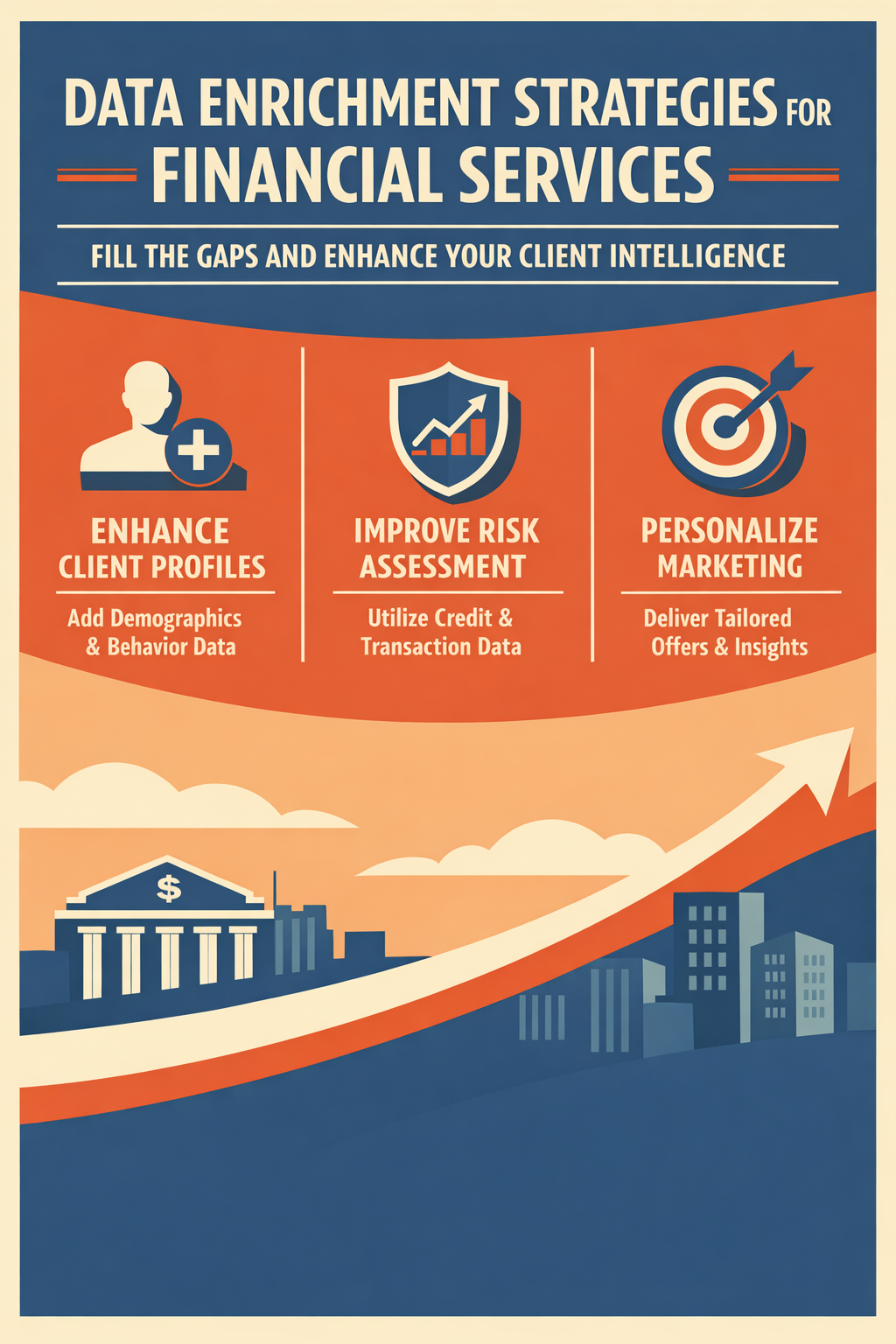
Clean data is essential, but complete data is powerful. Data enrichment fills the gaps in your HubSpot records, transforming basic contact information into rich client profiles that fuel personalization, segmentation, and AI-powered insights.
What Is Data Enrichment?
Data enrichment is the process of enhancing existing data by adding new information from internal or external sources. For HubSpot CRM, enrichment typically includes:
- Contact enrichment: Job titles, social profiles, contact details
- Company enrichment: Industry, revenue, employee count, technographics
- Intent enrichment: Buying signals, website behavior, engagement patterns
- Custom enrichment: Industry-specific data (AUM, licenses, certifications)
Why Enrichment Matters for AI
AI systems need complete data to generate accurate insights. A contact record with just a name and email provides minimal context. An enriched record with job title, company size, industry, and behavior signals enables meaningful personalization.
HubSpot's Native Enrichment Capabilities
HubSpot provides built-in enrichment capabilities that can automatically enhance your contact and company records.
Contact Enrichment Features
HubSpot can automatically add job titles, phone numbers, social profiles (LinkedIn, Twitter), location data, and company associations to your contact records.
Company Enrichment Features
For company records, HubSpot enriches data with industry classification, annual revenue, employee count, company descriptions, website and social presence, and technologies used (technographics).
How to Use HubSpot Enrichment
Getting started with HubSpot's native enrichment is straightforward. Navigate to Data Management, then Data Quality, and click the Data Enrichment tab. Click "Scan for enrichment gaps" to identify opportunities.
After scanning, you'll see your match rate (the percentage of records eligible for enrichment) and enrichment possibilities by property, showing coverage gaps per field. To enrich records, select a segment from "Enrich all records from a segment," review sample records, and click "Enrich segment."
Understanding the Limitations
HubSpot's native enrichment has some boundaries. Not all contacts and companies are in HubSpot's data sources, some industries have lower match rates, enrichment data may not always be current, and financial services-specific data like AUM and licenses are not included.
Advanced Enrichment: Conversational and Intent Data
HubSpot's Smart CRM introduced advanced enrichment capabilities in Fall 2025 that go beyond basic demographic data.
Conversational Enrichment
This feature automatically extracts insights from emails, calls, and support tickets, updates records with information mentioned in conversations, and identifies topics, interests, and needs from natural language.
Consider this example: A prospect emails, "We're a $50M RIA looking to improve our client reporting. We currently use Orion but are exploring alternatives for next year." HubSpot's conversational enrichment can automatically update the AUM field to $50M, add a note about interest in client reporting, tag them as a current Orion user, set intent as evaluating alternatives, and note the timeline as a next year decision.
For financial services firms, this captures intelligence that would otherwise require manual data entry after every client interaction.
Intent Enrichment
Intent enrichment captures website visits and page views, tracks content engagement, and identifies buying signals from behavior patterns, helping you understand where prospects are in their buying journey.
Enhancing Records with Third-Party Data
While HubSpot's native enrichment is valuable, third-party data sources can fill additional gaps, especially for financial services-specific information.
Types of Third-Party Data
Firmographic data from sources like ZoomInfo, Clearbit, and Apollo provides company size, revenue, and industry information. Contact data from LinkedIn Sales Navigator and Hunter offers job titles, emails, and phone numbers. Intent data from Bombora, G2, and TrustRadius reveals buying signals and product research. Technographic data from BuiltWith and Datanyze shows technology stacks and tools used. Financial data from PitchBook and Crunchbase includes funding, ownership, and financial details.
Financial Services-Specific Sources
For wealth management and financial advisory firms, specialized data sources can provide crucial information. AUM estimates can come from ADV filings and industry databases. Licenses and certifications are available through FINRA BrokerCheck and SEC IARD. Firm type classifications (RIA, BD, hybrid) and custodian relationships can be sourced from industry databases and surveys. Practice focus areas like retirement, high net worth, or institutional can often be identified through specialized sources.
Integration Options
You have several ways to integrate third-party data into HubSpot. Direct integrations through the HubSpot App Marketplace offer easy setup with automatic updates, though customization is limited. Data Studio Connections allow you to connect external data sources with flexible, custom mappings, though they require configuration. Manual enrichment gives you full control but is time-consuming and risks data aging. API integration provides real-time, fully customized solutions but requires development resources.
Building Your Enrichment Strategy
A successful enrichment strategy requires planning and ongoing management.
Step 1: Identify Critical Data Gaps
From your data audit, identify properties with low fill rates (below 70%), properties important for segmentation, and properties needed for AI personalization.
Priority properties for financial services include job title or role, company or firm name, AUM or revenue estimate, industry or firm type, phone number, and location or state.
Step 2: Evaluate Enrichment Sources
For each gap, evaluate whether HubSpot's native enrichment provides good coverage, which third-party options are available, and how much manual effort would be required. For example, job titles typically have good coverage in HubSpot and can be supplemented with LinkedIn or ZoomInfo. AUM is not available in HubSpot but can be sourced from industry databases or ADV lookups.
Step 3: Define Enrichment Rules
Create clear policies for how enrichment should work in your CRM. Establish source priority for when multiple sources provide data. For example, you might prioritize HubSpot enrichment, then third-party sources, then manual entry.
Set overwrite rules to determine whether enrichment should update existing values. You might choose not to overwrite manually entered AUM but allow job titles to be updated from conversational enrichment.
Define frequency for how often enrichment should run. New records might be enriched immediately, while full database refreshes happen quarterly.
Step 4: Implement and Monitor
Track enrichment effectiveness by monitoring fill rate improvement over time, enrichment source accuracy, and impact on marketing and sales outcomes.
Compliance Considerations for Data Enrichment
Financial services firms must navigate complex privacy regulations when enriching data.
Key Regulations to Consider
GDPR affects EU contacts and may require consent for enrichment, though legitimate interest arguments are possible. Document your legal basis carefully.
CCPA and CPRA apply to California consumers who can opt out of data sales. Enrichment providers may count as "selling" data, so verify provider compliance.
Financial regulations including Reg S-P (privacy of consumer financial information), state privacy laws, and industry self-regulatory requirements all apply.
Best Practices for Compliant Enrichment
Vet your data providers to ensure they comply with relevant regulations. Document data sources so you know where every enriched field originated. Respect opt-outs by not enriching contacts who've opted out of data collection. Conduct regular audits to review enrichment practices with your compliance team. Minimize sensitive data by only enriching what you actually need.
Using AI for Smart Enrichment
HubSpot's AI capabilities can make enrichment smarter and more efficient.
Data Studio AI Enrichment
Data Studio can create intelligent enrichment through AI instructions. You can categorize AUM tiers based on values, standardize job titles into consistent categories, or infer firm type based on company names and descriptions.
Breeze-Powered Enrichment
HubSpot's Breeze Data Agent can research and answer questions about your contacts, such as which prospects are currently using competitor products, which contacts recently changed jobs, or which companies in your target segment you're missing.
Frequently Asked Questions
How accurate is HubSpot's native enrichment?
HubSpot reports 60-80% match rates for US-based business contacts. Accuracy varies by industry and company size. Financial services firms often see lower match rates due to industry specificity.
Should I enrich all records or just active ones?
Focus enrichment on records you actively market to, records with recent engagement, and records in your target segments. Avoid enriching competitors, unsubscribed contacts, and records marked for deletion.
How often should I refresh enrichment data?
Job titles should be refreshed every 6-12 months (high turnover roles more frequently). Company data should be updated annually or after known events like mergers and acquisitions. Contact information needs refreshing every 6 months as emails and phones change. Intent data should be updated continuously.
Can enrichment create compliance issues?
Yes, if done without consideration for privacy regulations. Always know your data sources, document legal basis for enrichment, respect opt-outs and data deletion requests, and consult your compliance team for financial services-specific requirements.
Your Day 5 Action Items
To get started with data enrichment:
- Review your Data Enrichment tab in HubSpot Data Quality
- Run an enrichment scan to identify gaps
- Prioritize 3-5 critical properties for enrichment
- Evaluate one third-party enrichment option for financial services data
- Document your enrichment policy (sources, rules, compliance)
What's Next?
Tomorrow (Day 6), we connect everything together by preparing your HubSpot data for Breeze AI. You'll learn exactly what Breeze agents need to perform effectively and how to configure your CRM for maximum AI impact.
Need a Custom Enrichment Strategy?
Vantage Point helps financial services firms build compliant, effective data enrichment programs. Our services include enrichment gap analysis, third-party source evaluation, integration configuration, compliance review, and ongoing monitoring setup.
About Vantage Point
Vantage Point specializes in helping financial institutions design and implement client experience transformation programs using Salesforce Financial Services Cloud. Our team combines deep Salesforce expertise with financial services industry knowledge to deliver measurable improvements in client satisfaction, operational efficiency, and business results.
About the Author
David Cockrum is the founder of Vantage Point and a former COO in the financial services industry. Having navigated complex CRM transformations from both operational and technology perspectives, David brings unique insights into the decision-making, stakeholder management, and execution challenges that financial services firms face during migration.
-
-
- Email: [email protected]
- Phone: (469) 652-7923
- Website: vantagepoint.io
-
About Tierney Burklow
Expert consultant at Vantage Point, specializing in CRM implementations and digital transformation for financial services.